



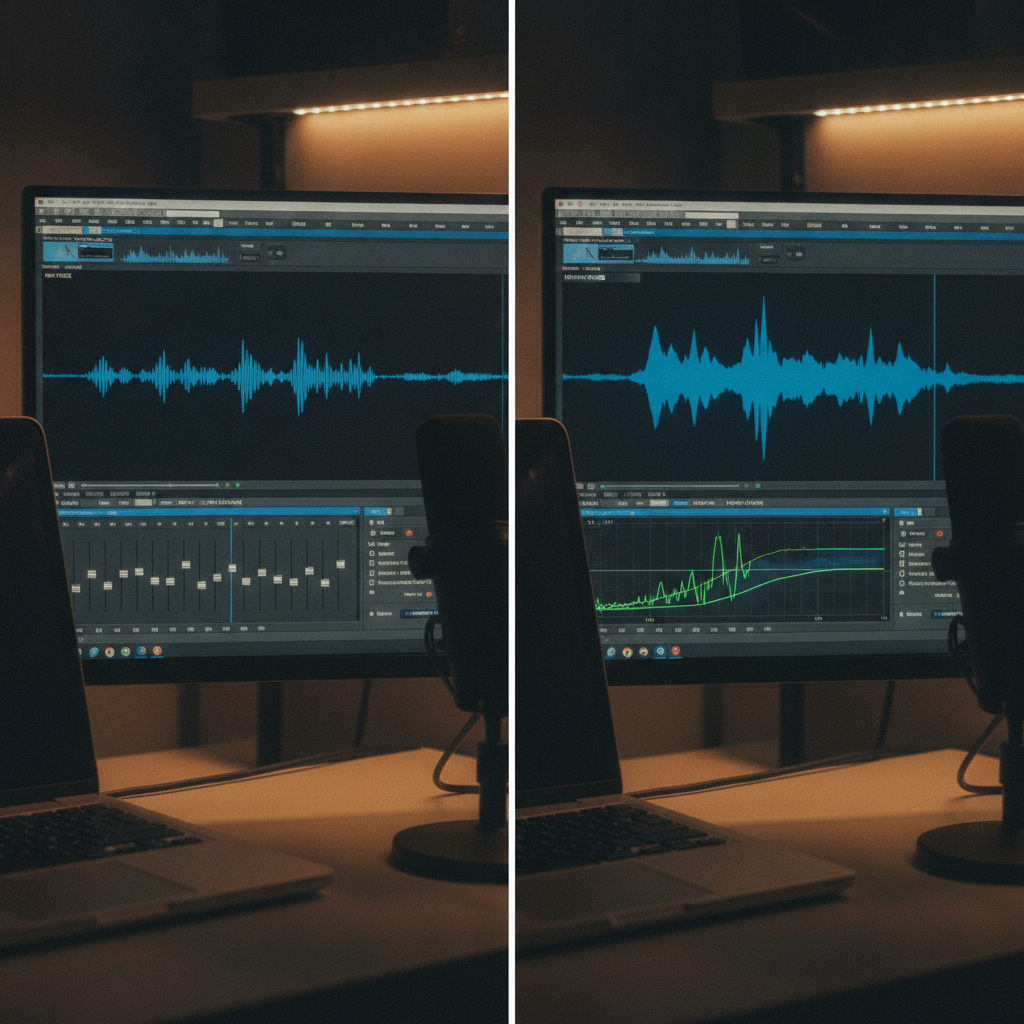
Hugging Face’s Real-World VoiceEQ shows how to automatically equalize speech from real recordings—not just synthetic test clips. If you build voice products, this is a fast path to cleaner, more consistent audio you can actually ship. Read the announcement and resources on Hugging Face: https://huggingface.co/blog/real-world-voiceeq
What VoiceEQ actually solves
- Uneven mic tone across guests, rooms, or devices
- Harshness, muddiness, or boxy resonance that hurts intelligibility
- Time-consuming manual EQ that doesn’t scale for pipelines
Why “real-world” matters
Models tuned on synthetic noise or studio-clean data often fail in homes, cars, and office calls. Real-World VoiceEQ focuses on messy, varied recordings so improvements transfer to production.
The result: more consistent timbre, better perceived clarity, and less manual post work for creators and product teams. Details and demos: https://huggingface.co/blog/real-world-voiceeq
Try it in 10 minutes
- Open the Hugging Face post and launch the linked demo/Space. Drop in a few real recordings from your environment (phone, laptop mic, room echo).
- Batch a small evaluation set (e.g., 10–20 clips) covering different speakers, rooms, and devices. Keep raw WAV exports to compare before/after.
- Listen on common targets: laptop speakers, phone earbuds, car system. Note whether sibilance, muddiness, and perceived loudness improve without sounding “processed.”
Production checklist
- Pre/post: high-pass filter and de-clip before EQ; loudness-normalize after to avoid level bias.
- Latency budget: target <50 ms end-to-end for live calls; batch offline for podcasts and content tools.
- Gain staging: watch headroom; avoid clipping when boosting presence bands (2–5 kHz).
- Safety: add a bypass if the model over-brightens or accentuates hiss on certain mics.
- Privacy: process on-device when feasible; if server-side, strip identifiers and rotate logs.
Evaluate quality (beyond “it sounds nicer”)
- AB tests with at least 10 listeners using your own content; score clarity, naturalness, and listening fatigue.
- Track objective metrics like PESQ/STOI/SI-SDR for sanity checks, but favor human ratings when shipping.
- Test domains: quiet office, car cabin, kitchen, conference room, outdoor. Include cheap earbuds and laptop mics.
- Guardrails: cap maximum boost per band and auto-bypass on very low SNR segments.
Where this shines
- Creator tools: match timbre across guests and fix room coloration fast.
- Customer support and sales calls: reduce fatigue and improve comprehension.
- Meeting and voicemail preprocessing: cleaner inputs boost ASR accuracy and summaries.
- Voice bots and IVR: more consistent tone improves perceived quality.
Deep dive and resources: Hugging Face — Real-World VoiceEQ.
Takeaway
Ship better voice UX faster by optimizing on real recordings, validating with human AB tests, and adding safe defaults and a bypass. VoiceEQ gives you a strong starting point.
Like nuggets like this? Subscribe for weekly, practical AI insights: theainuggets.com/newsletter
