



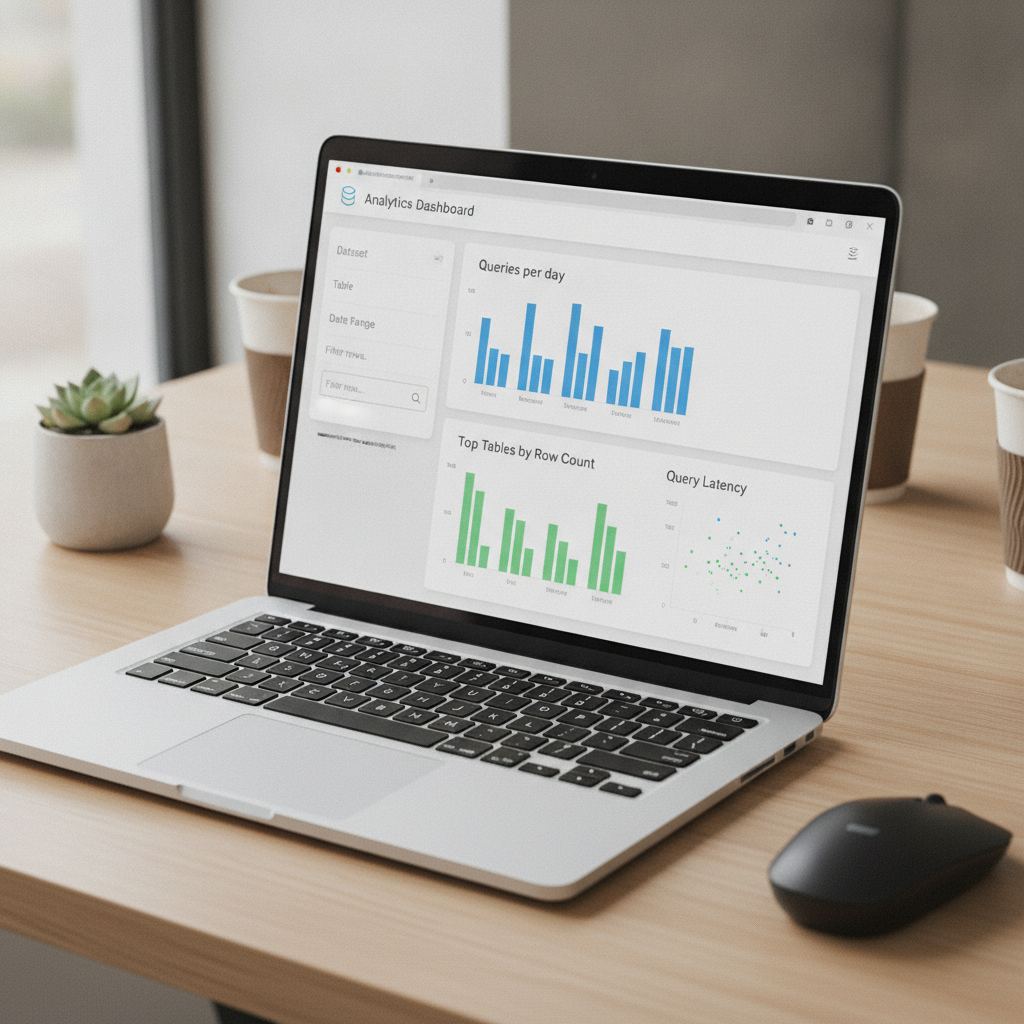
Datasette Apps turn a SQLite database plus saved queries into a shareable mini app. Sparked by Simon Willison’s latest post, this pattern makes internal tools and reproducible analyses fast to build, easy to run, and simple to share.
At the core is Datasette, an open source tool that serves SQLite databases with a powerful UI, saved queries, and plugins—no heavy backend required.
What “Datasette Apps” mean
Think of a Datasette App as a small, portable data product: a SQLite file plus saved queries, light UI configuration, and optional plugins—packaged so anyone can run it locally, in the browser, or in the cloud.
- Everything is SQLite: fast, file-based, and easy to version control.
- Saved queries become app features—filters, dashboards, and reports.
- Plugins add charts, maps, and auth without writing a full stack.
- Reproducible by design: ship the data, queries, and UI together.
- Runs anywhere: local, Docker, small server, or even in-browser via Datasette Lite.
Why it matters for teams
- Compress the stack: SQLite + Datasette replaces custom backends for many internal tools.
- Faster review loops: stakeholders can click, filter, and export without waiting for a new build.
- Governance-friendly: ship audited SQL and clear provenance with the data itself.
- Low ops: run a single binary or container; scale up only if you outgrow it.
Quick start: from CSV to shareable app
- Model it in SQLite. Use sqlite-utils to load and normalize CSVs into a .db file.
- Design queries. Capture the key questions as saved queries in Datasette (parameterize them for safety and reuse).
- Add lightweight UI. Configure facets, filters, and default sorting in Datasette’s metadata.
- Extend with plugins. Add charts or maps as needed—see the Datasette docs for options.
- Ship it. Run locally, package in Docker, or host on your preferred cloud. Because it’s SQLite-first, cold starts and resource needs stay small.
Deployment options
- Local: point Datasette at your database and go.
- Browser: use Datasette Lite (WebAssembly) to run right in the browser—great for demos and teaching.
- Cloud/Server: host the Datasette process behind HTTPS on a tiny VM or container; scale vertically as needed.
Risks and best practices
- Safety first: use parameterized queries to avoid SQL injection. See guidance in the Datasette documentation.
- Privacy: scrub or gate PII; consider row-level security via plugins or separate redacted databases.
- Freshness: define a repeatable ingest (e.g., sqlite-utils + cron) so the app updates reliably.
- Migrations: version your .db and metadata in Git; tag releases to keep analyses reproducible.
The takeaway
Datasette Apps compress data work into a single, shareable artifact: database + queries + UI. For many analytics and internal tools, that’s all you need to deliver value fast.
Enjoyed this nugget? Get weekly, practical AI and data insights—subscribe to our newsletter: theainuggets.com/newsletter.
