



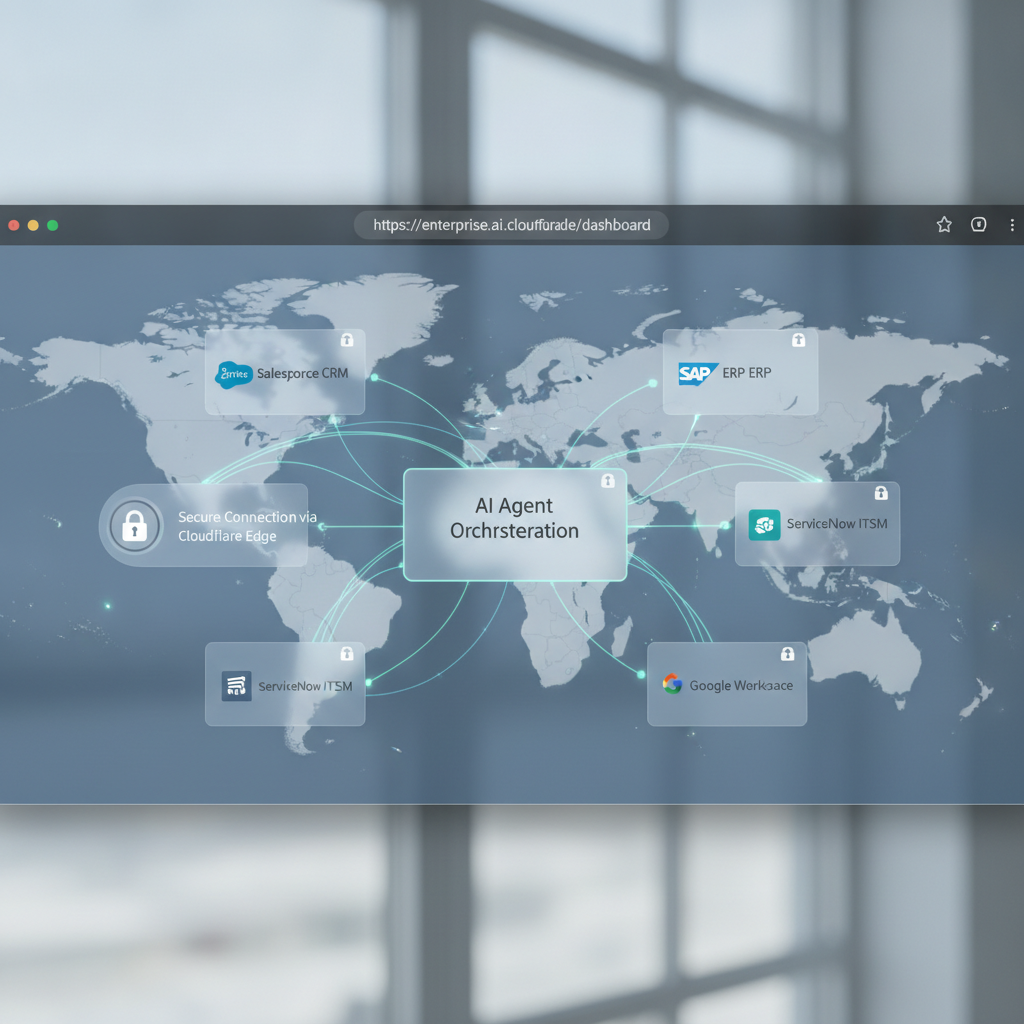
Cloudflare’s WebMCP brings the Model Context Protocol (MCP) to the browser, so AI agents can call tools securely from web apps—without leaking secrets or punching risky holes in your backend.
What is WebMCP?
MCP is a standard that lets AI systems interact with external tools (APIs, databases, files) through a consistent interface. Think of it as a safe, structured way for an AI to “press buttons” on services you approve.
WebMCP adapts that protocol for the web: your browser-based agent UI can connect to MCP servers via a web-friendly channel proxied and governed at the edge by Cloudflare. That means origin-scoped permissions, auditable traffic, and no raw credentials in the client.
Sources: Cloudflare announcement (link), Model Context Protocol overview (modelcontextprotocol.io).
Why it matters for builders
- Secure tool calls from the browser: Keep API keys server-side; the edge brokers all requests.
- Origin-aware permissions: Grant and scope capabilities per site/app and prompt users for consent.
- Lower latency and better reliability: Terminate, filter, and route near users on Cloudflare’s network.
- Unified logging and rate limits: Observe, throttle, and audit every tool invocation.
Quick start (conceptual)
- Pick or build an MCP server: Wrap your internal API or data access as MCP tools.
- Put it behind the edge: Proxy the MCP endpoint through Cloudflare (e.g., a Worker) to enforce auth and method allow-lists.
- Client connect: Your web app opens a secure connection (e.g., WebSocket) to the edge endpoint and speaks MCP JSON-RPC.
- Consent and scopes: Ask users to approve tool scopes; store grants per origin/session.
- Observe and protect: Log calls, rate limit per user/app, and alert on anomalies.
Security must-dos
- Never expose provider or backend keys to the browser.
- Allow-list tools and arguments; reject unknown methods by default.
- Bind permissions to origin and user identity; expire tokens.
- Enable request/response logging (with redaction) and set per-tool rate limits.
- Test failure modes: timeouts, retries, partial outputs, and user cancellation.
Where it shines
- Agentic UIs that fetch data from CRMs, ticketing systems, or analytics without exposing those systems to the open web.
- Enterprise tool catalogs: standardize safe tool access for multiple internal apps.
- Edge-first AI experiences that stream responses with minimal latency.
Bottom line
WebMCP is the practical bridge between browser-based AI agents and real enterprise tools. Deploy at the edge, scope permissions tightly, and log everything.
Takeaway: If you’re shipping AI in the browser, adopt WebMCP to keep secrets server-side and tool use auditable—without sacrificing speed or UX.
Get smarter on AI every week. Subscribe to The AI Nuggets newsletter.
