



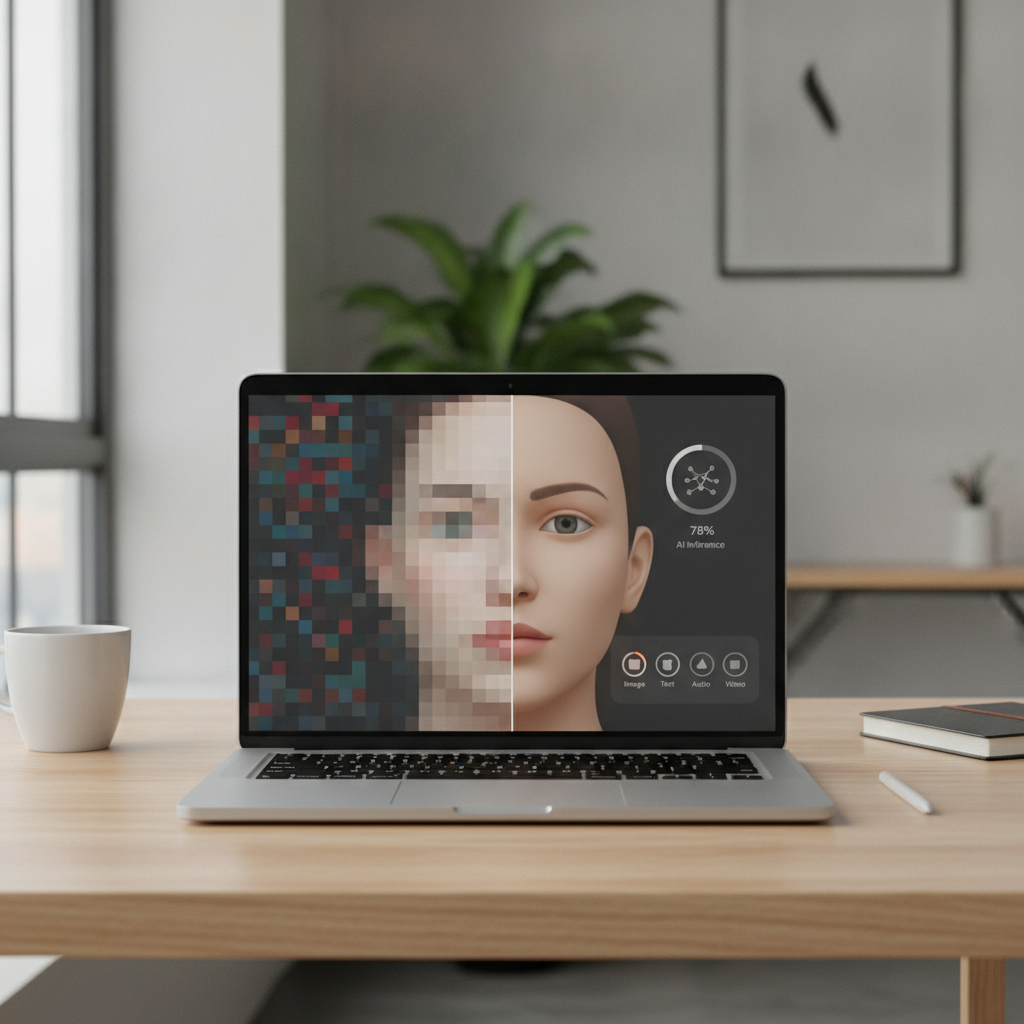
ServiceNow Research just published MOSAIC Leaks on Hugging Face—an eye-opening look at how multimodal AI models can recover sensitive details from pixelated, blurred, or otherwise “redacted” images and prompts. Read the research: MOSAIC Leaks.
Why this matters
- Visual obfuscation isn’t privacy. Pixelation, mosaic, and simple blurs can often be reversed or inferred by modern vision-language models.
- Partial redactions leak context. Crops, stickers, or boxes still leave signals models can stitch together—especially when combined with text hints.
- Both open and closed models can be vulnerable. Leakage risk depends on training data, architecture, and how the model is prompted.
- Regulatory and trust exposure. If your workflows rely on obfuscation, you may be unintentionally handling personal or proprietary data.
These findings align with prior work showing generative and vision models can memorize or reconstruct sensitive data (e.g., Carlini et al., 2023), and with security research demonstrating pixelation reversal in practice (e.g., Bishop Fox Unredacter).
What to do now
- Eliminate, don’t obfuscate. Remove sensitive pixels at the source (redact to solid masks or exclude entirely), and avoid relying on mosaic/blur.
- Govern your datasets. Track provenance, consent, and takedowns; deduplicate aggressively and cap repeats that drive memorization.
- Reduce memorization in training. Prefer retrieval-augmented patterns over rote recall; consider regularization and, where feasible, differentially private fine-tuning.
- Red-team your VLMs. Reproduce MOSAIC-style attacks on your own content; combine weakly redacted images with suggestive prompts to test leakage.
- Add guardrails. Detect and block uploads with cosmetic redactions; warn users and enforce safer redaction (solid blocks or removal).
- Monitor outputs. Log similarity to known sensitive assets (perceptual hashing/embeddings) and flag near-miss reconstructions for review.
Quick leakage test (5 steps)
- Use a document you own, apply pixelation to a sensitive region, and ask the model to “reconstruct or infer what’s hidden.”
- Provide a blurred face and prompt the model for identity cues (name, affiliation). Note any plausible re-identification.
- Try cross-modal hints: pair a mosaicked image with leading text (“This is likely X—confirm?”) to see if confidence spikes.
- Plant canaries (unique strings) in internal test data and check if the model can regurgitate them verbatim.
- Repeat with different models and prompt styles; document success rates and block high-risk paths.
What this does not mean
- Not all models leak equally. Risk varies with data, deduping, training setup, and architecture.
- No cosmetic filter is “safe enough.” Mosaic and blur raise the bar but do not provide reliable privacy guarantees.
Source: MOSAIC Leaks on Hugging Face. Related background: Extracting Training Data from Diffusion Models (Carlini et al.).
Takeaway
Assume mosaic/blur can fail. Remove sensitive pixels, red-team with MOSAIC-style prompts, and build guardrails to prevent accidental disclosure.
Enjoy this? Get one smart AI nugget in your inbox each week. Subscribe to The AI Nuggets.
