



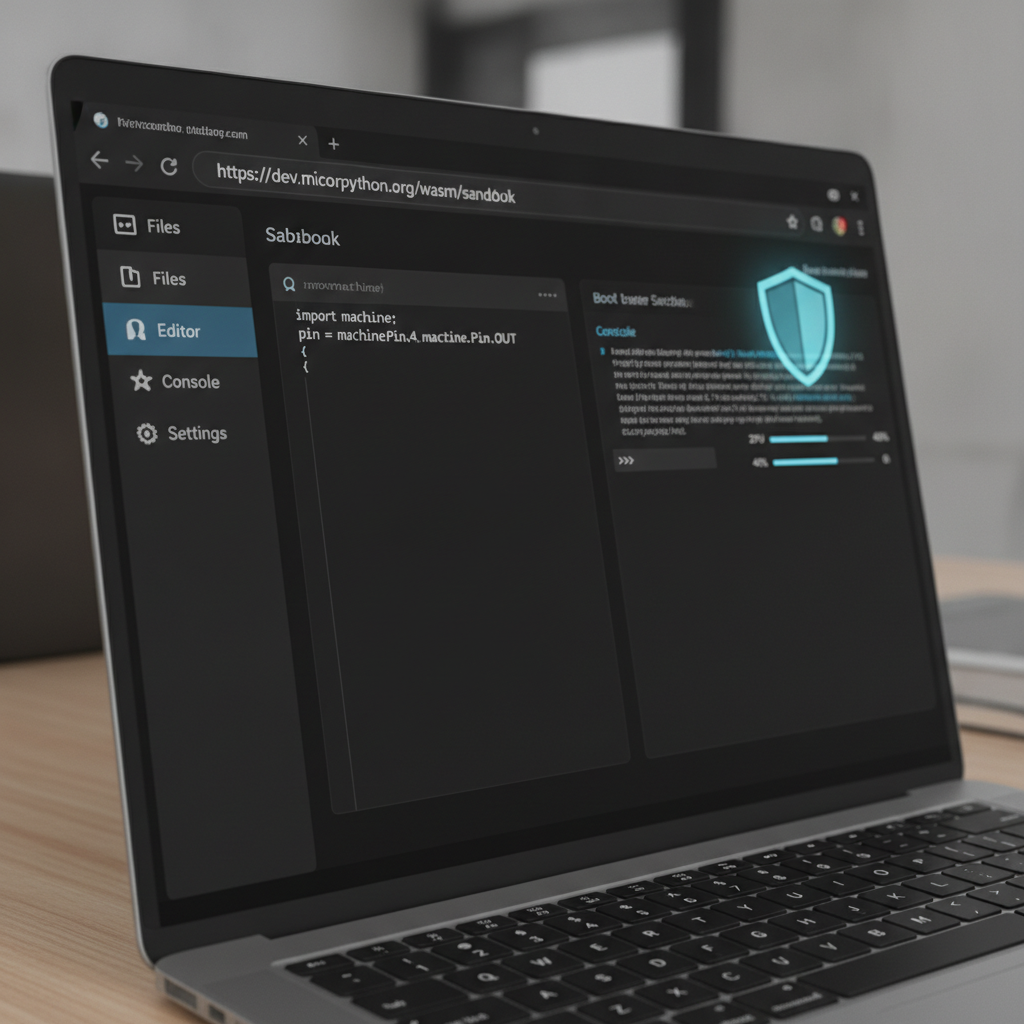
Want to run untrusted Python safely? MicroPython in a WebAssembly sandbox is a practical pattern for fast, resource-limited execution—perfect for LLM tools, data apps, and education. Simon Willison highlights this approach in his write-up on MicroPython sandboxing, a useful blueprint for anyone shipping user-executed code.
Source: MicroPython in a sandbox by Simon Willison.
Why MicroPython for sandboxing
MicroPython is a lightweight Python implementation with a tiny footprint and fast startup. That makes it ideal for short-lived, isolated runs.
Trade-off: it lacks many CPython modules and C extensions. For heavy scientific stacks, use Pyodide (CPython compiled to WebAssembly) instead.
Learn more: MicroPython docs and Pyodide.
Two common architectures
- In-browser: Compile MicroPython to WebAssembly and run inside a Web Worker or iframe. Benefits: no server secrets, great UX, and strong isolation by default.
- Server-side: Run MicroPython as a WASI module via a runtime like Wasmtime. Benefits: central control, predictable performance, and auditable execution.
Background reading: WASI (WebAssembly System Interface) and Wasmtime.
Essential guardrails
- Time and CPU limits: Use runtime fuel or instruction counters, plus wall-clock timeouts to terminate runaway code.
- Memory caps: Set tight heap limits to prevent crashes and denial-of-service.
- No network by default: Do not expose sockets; add capability-based, allowlisted fetch functions if absolutely needed.
- Filesystem controls: Mount an in-memory, per-execution workspace and keep it ephemeral. Provide read-only data mounts if required.
- Deterministic host APIs: Offer a minimal toolset (e.g., JSON parsing, string ops, safe math) and avoid leaking environment details.
- Output quotas: Cap stdout/stderr and result sizes to stop log floods.
- Auditability: Log code, inputs, duration, memory, and exit codes for incident response.
When to pick MicroPython vs Pyodide
- Pick MicroPython for fast-start tasks: light data transforms, templating, custom validators, DSL-like scripting, teaching, and agent tool sandboxes.
- Pick Pyodide when you need CPython compatibility or scientific packages (NumPy, Pandas, SciPy) and can afford larger payloads and slower cold starts.
Great fits for AI builders
- LLM tool execution: Safely run user-provided Python snippets with strict budgets.
- Notebook cells in the browser: No server required; works offline.
- Plugin sandboxes: Let third-party logic run with zero network and capped memory.
- Assessment and learning: Instant, disposable runtimes for coding challenges.
Launch checklist
- Decide environment: Browser Worker or server WASI runtime.
- Set CPU, memory, and wall-clock limits; define maximum output sizes.
- Disable networking; expose only minimal, allowlisted host functions.
- Use an ephemeral, per-run filesystem; provide read-only data mounts if needed.
- Add structured logs and per-tenant quotas; alert on anomalies.
- Provide clear error messages for timeouts, memory, and permissions.
Takeaway
For safe, fast, and repeatable Python execution, MicroPython in a WASI sandbox is a strong default. Use Pyodide only when you truly need full CPython.
Get more practical AI build tips—subscribe to our free newsletter: theainuggets.com/newsletter.
