



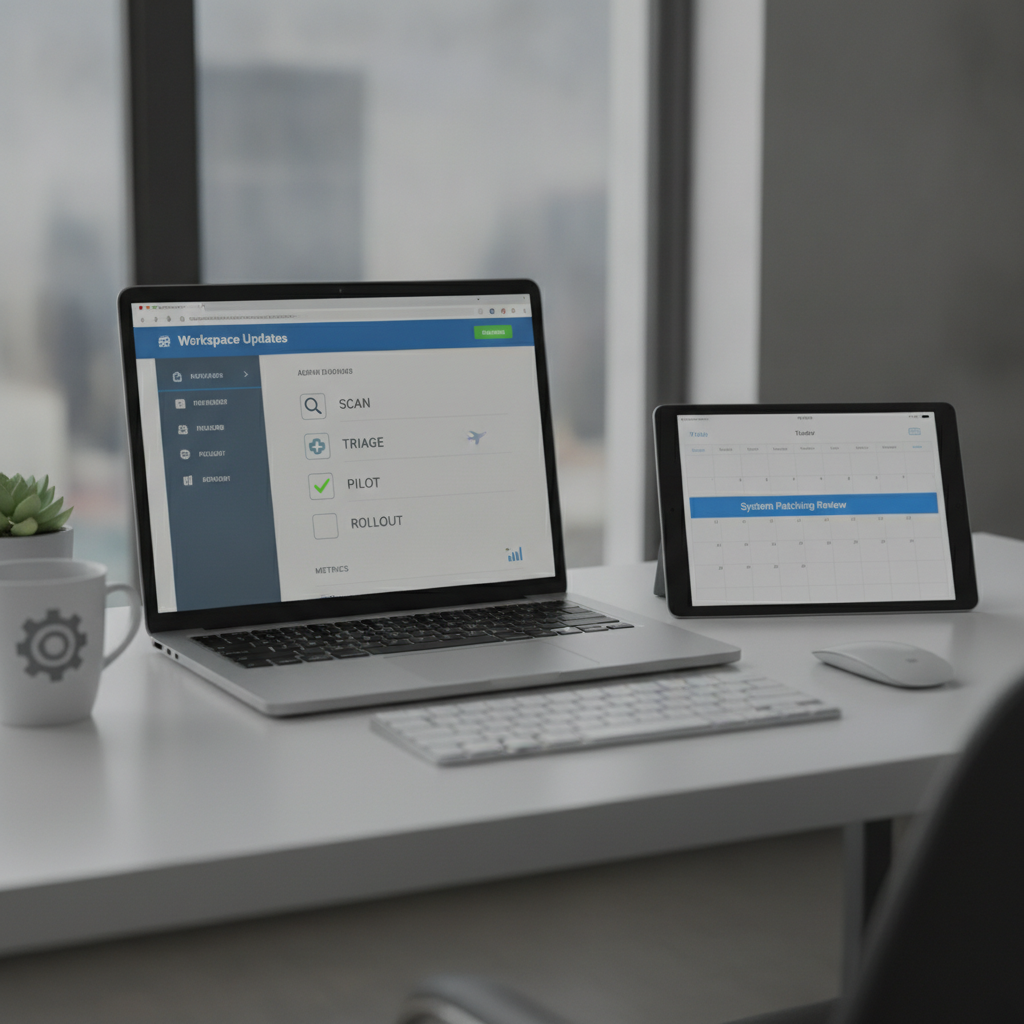
Google ships new Workspace features and policy changes almost every week. Here’s a simple 30-minute admin playbook to turn the official updates page into action—without disrupting your teams. Start here: Workspace Updates.
The 30-minute weekly workflow
- Scan (5 min): Skim new posts on the Workspace Updates page. Flag items touching your core apps (Gmail, Drive, Meet, Docs/Sheets/Slides, Admin).
- Triage (5 min): Label each update: Admin action required, Security/Compliance, AI & productivity, UI changes, Deprecations.
- Assess risk (5 min): Note affected users, data sensitivity, compliance implications, and any training needs. Decide pilot vs. fast-track.
- Pilot (5 min): Use a test OU or group (10–20 users). Define success criteria (usage, support tickets, sentiment). Prepare a rollback plan.
- Communicate (5 min): Draft a 3-sentence note: what’s changing, why it helps, when it lands. Link to official help and your internal guide.
- Decide rollout (5 min): Choose release track and toggles, set dates, and log the decision in your change log.
What to watch for in AI-related updates
- Data handling defaults: Check how prompts, documents, and telemetry are stored and controlled.
- Access and permissions: Confirm which roles/groups can use new models or features and how to restrict by OU.
- Content safety & compliance: Review classification, DLP, and audit visibility for AI-generated content.
- Pricing & licensing: Verify if new AI features require add-ons or seat minimums before you announce timelines.
- Integrations: Note impacts on Drive sharing, Meet recordings, Calendar, and third-party add-ons.
- Auditability: Ensure events appear in Admin audit logs so you can measure and govern usage.
Rollout checklist (copy/paste)
- Create a pilot OU/group and enable feature flags.
- Capture baseline metrics (usage, support tickets, policy exceptions).
- Publish a 1-page internal guide with do’s/don’ts and screenshots.
- Run a 15-minute enablement session or Loom video for pilot users.
- Track adoption and sentiment for 1–2 weeks; decide expand/hold.
- Document final settings, release track, and owner in change log.
Helpful links
- Official feed: Google Workspace Updates (authoritative roundup of new features and timelines).
- Release tracks explained: Rapid vs. Scheduled Release (Google Admin Help).
Key takeaway
Treat the Workspace Updates page like an operating cadence: scan, triage, pilot, communicate, and measure—so AI and productivity upgrades land smoothly.
Get smarter—fast
Enjoy this? Subscribe to The AI Nuggets for bite-sized, practical AI insights in your inbox: https://theainuggets.com/newsletter
