



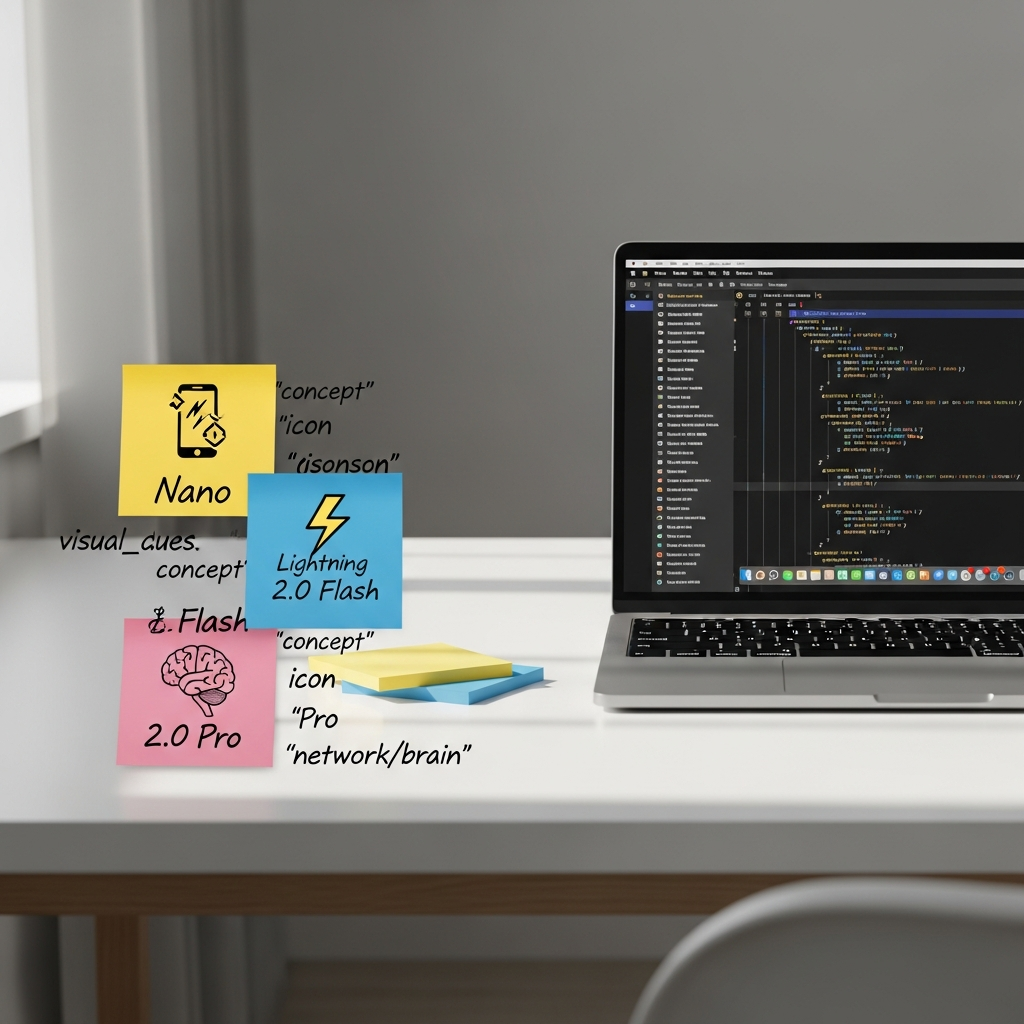

Choosing the right Gemini tier can cut costs, reduce latency, and unlock privacy-first features. Here’s a fast, practical guide to when to ship Nano, 2.0 Flash, or 2.0 Pro.
What each Gemini tier is optimized for
- Gemini Nano (on-device): Ultra-low latency, privacy-first, offline. Great for smart replies, redaction, summarization, and UI assistance directly on phones.
- Gemini 2.0 Flash (API): Fast, lightweight, and cost-efficient for high-volume, low-latency use—chat, RAG summaries, tagging, and multimodal classification.
- Gemini 2.0 Pro (API): Highest reasoning ability and longer context for complex planning, tool use, structured extraction, and agentic workflows.
Quick decision rules
- If you need instant responses, offline capability, or tight privacy: pick Nano.
- If you need speed at scale and “good enough” reasoning: pick 2.0 Flash.
- If you need deep reasoning, long context, or complex tool use: pick 2.0 Pro.
Concrete dev examples you can ship
- Nano (on-device)
- Smart reply and autocorrect that works offline.
- Summarize a long notification or webpage on-device for privacy.
- Client-side PII redaction before any network call.
- 2.0 Flash (fast API)
- Customer support reply drafting with sub-second latency targets.
- RAG: retrieve, then ask Flash to produce a crisp, cite-backed summary.
- Classify images or messages at scale for moderation or routing.
- 2.0 Pro (advanced API)
- Agentic flows that call tools (search, databases, tickets) and return structured JSON.
- Long-document analysis and planning (policies, specs, contracts, PRDs).
- Complex data extraction with validation and schema conformance.
Latency, cost, and privacy trade-offs
- Latency: Nano ≈ instant; Flash aims for low latency; Pro trades speed for reasoning.
- Cost: Nano (device resources), Flash (lowest API cost), Pro (higher for capability).
- Privacy: Nano keeps data on-device; Flash/Pro require network—use redaction and minimization.
Implementation tips
- Triage by task: try Nano first (if available), fall back to Flash, escalate to Pro only when needed.
- Use short, explicit prompts and return JSON schemas for predictable outputs.
- Cache frequent prompts and set per-request latency and cost budgets.
- Guardrails: redact PII on-device, log minimal data, and run safety checks appropriate to your region.
- Measure: track quality, latency, and unit economics per tier; promote/demote models based on evals.
Source
Google’s overview on where to use Nano, 2.0 Flash, and 2.0 Pro: official blog.
Takeaway
Use Nano for instant, private UX; Flash for fast, scalable tasks; and Pro for the toughest reasoning. Mix tiers with smart fallbacks to hit your quality and budget goals.
Get weekly, no-fluff AI tactics in your inbox. Subscribe to The AI Nuggets newsletter.
