



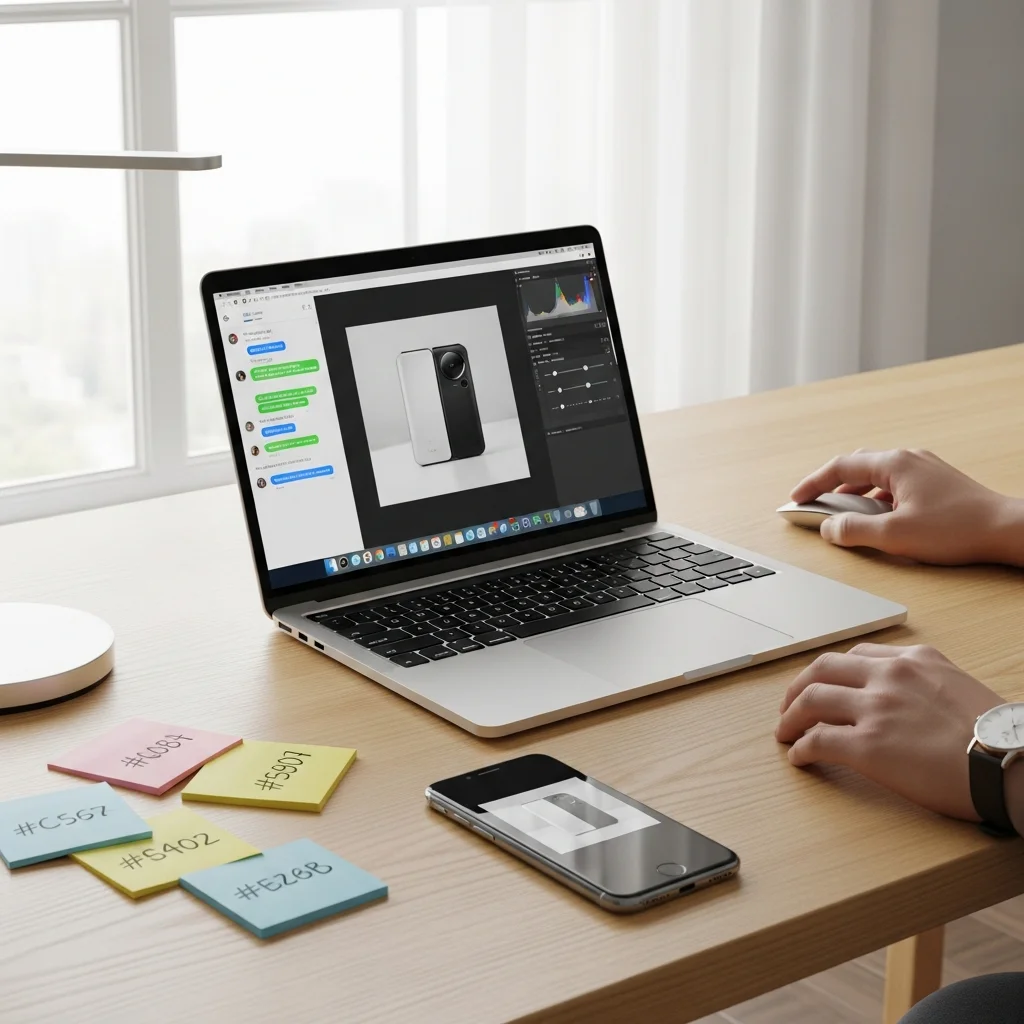
OpenAI just launched ChatGPT Images, bringing image generation and editing directly into ChatGPT. See the announcement and details on features and availability here.
Here’s a quick-start guide with seven practical workflows, prompt recipes, and safety tips so marketers, designers, and founders can ship visuals faster—without leaving the chat.
What changed (and why it matters)
You can now create images from text, edit generated or uploaded images (remove or add objects, change backgrounds, extend to new aspect ratios), and iterate by chatting. No separate tools or file handoffs required.
This lowers the barrier for teams shipping social posts, product mockups, pitch decks, ads, and internal concepts—cutting hours down to minutes.
Quick start
- Describe the image: subject, style, lighting, background, and aspect ratio (e.g., “16:9 banner” or “4:5 e‑commerce”).
- Generate, then iterate in plain English: “warmer light,” “move the product left,” “make the background clean white.”
- To edit an existing image, upload it and say what to change: “remove background,” “replace the sky with sunset,” “extend canvas to 16:9.”
- Ask for options: “give me 4 variations” and choose the best direction to refine.
7 fast workflows you can use today
- Product-on-white e‑commerce: “Studio photo of [product] on seamless white, soft diffused light, subtle shadow, 4:5 crop.”
- Social post visual: “Bold, colorful illustration of [topic] for LinkedIn; high contrast, clean negative space, 1:1 square.”
- Hero banner/thumbnail: “Crisp 16:9 hero for a SaaS landing page about [benefit]; modern minimal style, room for headline on right.”
- Background swap: “Cut out [subject] and place on gradient (#0EA5E9→#1E293B) with soft shadow; keep edges natural.”
- Concept exploration: “Three distinct looks for [idea]: minimalist, cinematic, playful—label each concept in the corner.”
- Outpaint for new sizes: “Extend this image to 16:9 while keeping lighting and style consistent; add contextual background that matches.”
- Deck-ready art: “Flat, minimalist illustration of [concept] with 2 brand colors (#0F766E, #E11D48); high legibility on white slides.”
Prompt recipes that work
- Product realism: “[Subject] on [surface], [lighting] lighting, [lens/camera angle], clean [background], subtle reflection, [aspect ratio].”
- Scene builder: “[Subject] doing [verb] in [location] at [time of day], [style keywords], [camera angle], balanced composition.”
- Brand-safe palettes: “Use brand colors #HEX1 and #HEX2. Avoid text, watermarks, or logos.”
- Consistency across shots: “Match camera angle, lighting, and background from the previous image.”
- Revision cues: “Increase contrast 15%, warm color temperature, reduce clutter, keep subject centered.”
Quality, control, and handoff
- Be explicit about aspect ratios (“1:1,” “4:5,” “16:9”) and intended placement (feed, story, banner, deck).
- Iterate with short, directional notes. Ask for 2–3 variations to compare before refining.
- Use upload + edit when you must preserve a specific subject or layout.
- Check mobile legibility: ensure clear focal point, high contrast, and minimal clutter at small sizes.
- Download the final image directly from the chat and track the final prompt/version in your asset library.
Rights and safety
Follow OpenAI’s usage policies and expect safety filters to block certain content. Avoid generating public figures, sensitive topics, or trademarked logos without permission. The announcement is here for reference: ChatGPT Images.
For transparency, consider provenance labels such as C2PA Content Credentials when publishing AI visuals, and disclose AI assistance when appropriate.
Takeaway
ChatGPT Images collapses ideation, generation, and editing into one chat—speeding up creative and marketing workflows. Start with clear prompts, iterate quickly, and keep brand/safety guardrails in place.
Like this? Get weekly practical guides in your inbox—subscribe to our newsletter: theainuggets.com/newsletter.
