



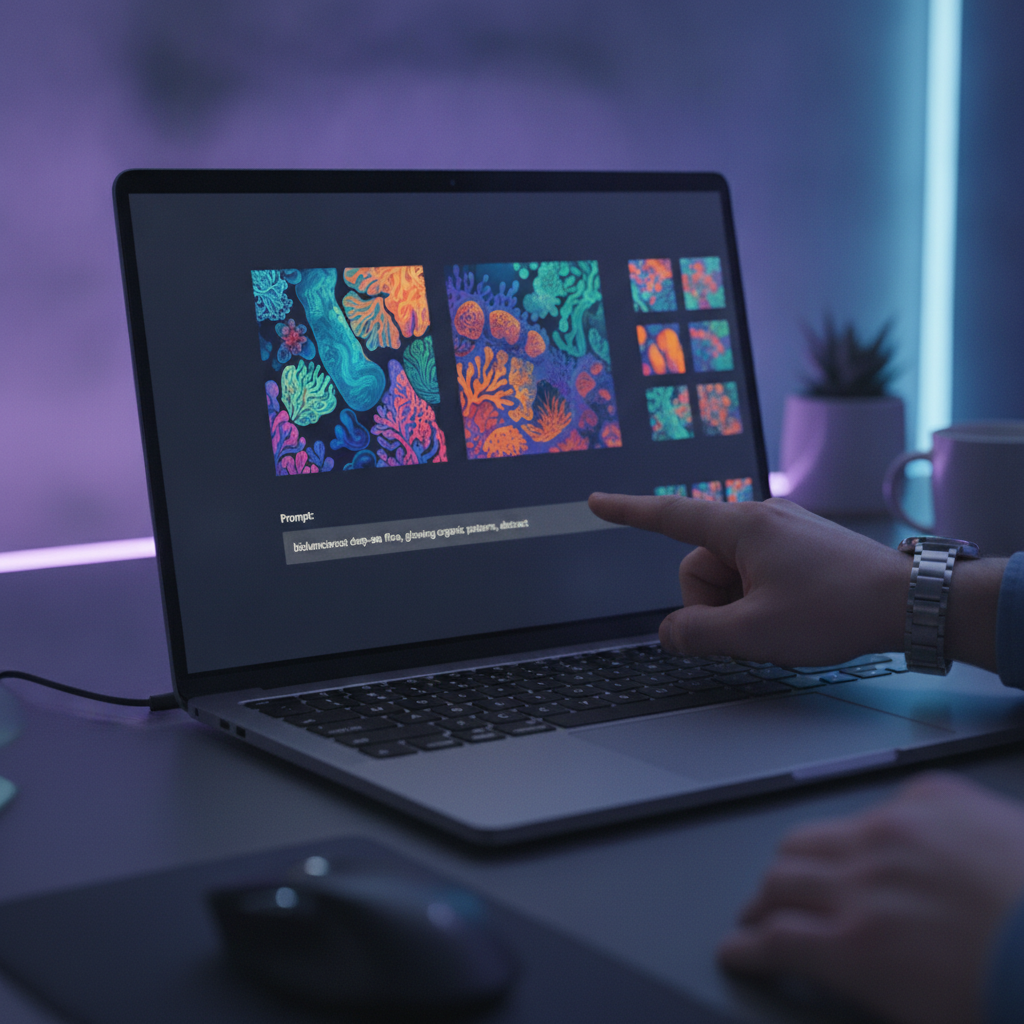

Hugging Face just spotlighted Muse‑Glimmer—a lightweight, browser‑friendly way to guide image generation with smarter prompts and faster iteration. Here’s why it matters and how to try it today.
What is Muse‑Glimmer?
Muse‑Glimmer is presented by Hugging Face as a streamlined, guided workflow for creating and refining AI‑generated images. The announcement shows how small, efficient models and smart UI can make prompt‑to‑image loops faster, clearer, and more controllable—all in the browser or via a hosted demo.
Read the announcement: Muse‑Glimmer on the Hugging Face Blog.
Why it matters
- Mixed‑initiative creation: a system that nudges you toward better prompts and clearer edits, reducing random trial‑and‑error.
- Speed and accessibility: lightweight experiences run in a browser; no massive downloads or finicky setups.
- Iteration made simple: refine styles, composition, or constraints step‑by‑step instead of rewriting prompts from scratch.
- Privacy options: some demos can use on‑device acceleration when supported; others run in secure hosted environments.
How to try it (fast)
- Open the post: Muse‑Glimmer on Hugging Face.
- Follow the demo link (often a Hugging Face Space). If a queue appears, sign in to reduce wait times.
- If the Space needs more horsepower, click “Duplicate Space” to run your own instance and choose a hardware preset.
- Type a clear prompt, generate, then iterate: add constraints (lighting, camera angle, artistic style) and compare outputs.
- Export the best result; save your prompt settings so you can reproduce or extend later.
Pro tips for better outputs
- Structure prompts: subject + action + setting + style + lighting + lens (e.g., “portrait of a ceramic mug, studio light, 85mm, soft bokeh”).
- Iterate with constraints: add negatives (e.g., “no watermark, no text”) to reduce artifacts.
- Use seeds when available to make results reproducible while you tweak small details.
- Go from broad to specific: lock composition first, then dial in texture, palette, and mood.
- Check license and usage terms before commercial use; policies vary by model and Space.
Gotchas and performance notes
- Hardware acceleration: browser support for WebGPU varies by OS and browser. See MDN’s WebGPU guide.
- Queues and quotas: popular Spaces can have wait times; duplicating a Space lets you choose resources and avoid queues.
- Model differences: style and fidelity vary by model checkpoint and safety settings. Expect small but meaningful changes per iteration.
- Browser memory: lots of large previews can stress tabs—close unused generations to keep things snappy.
Further reading
- Muse‑Glimmer announcement: Hugging Face Blog
- Running demos: Hugging Face Spaces overview
The takeaway
Muse‑Glimmer distills image generation into a guided, browser‑first flow. If you create visuals for marketing, product, or content, this is an easy win: faster prompts, cleaner iterations, and outputs you can reproduce.
Want more bite‑size AI breakdowns and hands‑on tips? Subscribe to our free newsletter: The AI Nuggets.
