



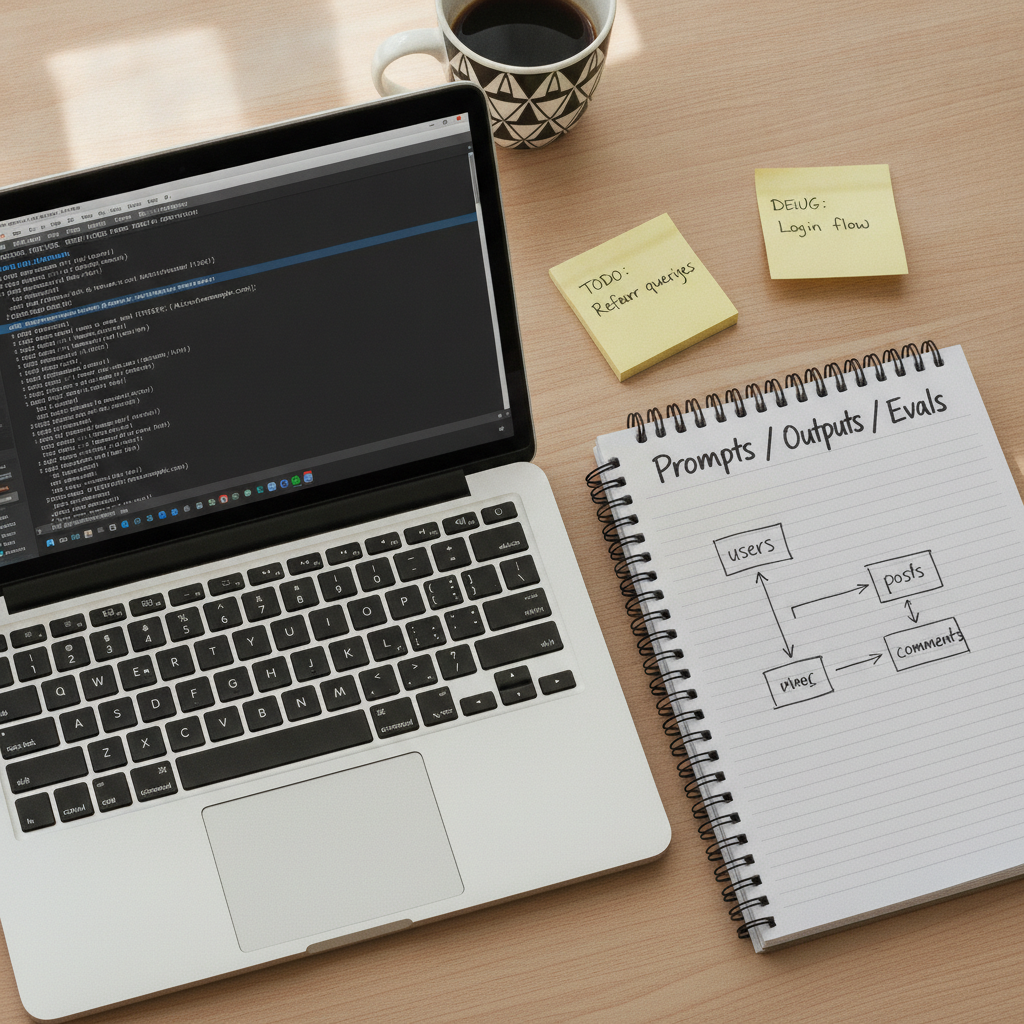
SQLite is a perfect backbone for AI work. Paired with the sqlite-utils toolkit, you can capture prompts, outputs, evals, and metadata in one portable file you can query and ship. For context and inspiration, see this recent note from Simon Willison: sqlite-utils + Fable.
Why SQLite beats scattered files for AI
- Portable and production-friendly: a single file works on dev laptops, servers, or CI—no managed infra required.
- Reproducible: store raw prompts, responses, and settings so you can rerun and audit experiments later.
- Fast, queryable analytics: join runs, models, costs, and evals without scraping notebooks.
- Full‑text search (FTS) for prompts/outputs; add indexes when you need speed.
- Versionable: commit the DB (or snapshots) to Git for diffs and rollbacks.
A minimal, durable schema
- interactions: id, created_at, actor (user/job), model, prompt, response, input_tokens, output_tokens, latency_ms, cost_usd
- evals: id, interaction_id, evaluator (human/auto), score (0–1 or 1–5), notes
- metadata: interaction_id, run_id, dataset, tags (JSON), params (JSON)
- Indexes: created_at, model, run_id; enable FTS on prompt and response for quick retrieval.
Workflow in practice
- Log everything: append each run’s prompt, model, and response to interactions. Add tokens, latency, and cost for easy reporting.
- Add evaluations: write human notes or automatic rubric scores to evals and join by interaction_id.
- Search instantly: enable full‑text search on prompt/response to find examples, regressions, or failure modes fast.
- Vector search when needed: store embeddings in a separate table and load a vector extension to run ANN queries.
- Ship the same file: the DB that powered experiments can back a simple API, dashboard, or Datasette instance.
- Automate: wire sqlite-utils from your scripts so every batch, notebook, or agent logs to the same database.
Resources: sqlite-utils docs for CLI and Python helpers; SQLite FTS5 for text search; optional vectors via sqlite-vss; and inspiration from Simon Willison’s note above.
Key takeaway
Don’t let prompts and results live in scattered files. Start a single SQLite database, log every run with sqlite-utils, add FTS and simple evals, and you’ll move faster—from experiment to production.
Enjoy this? Get one practical AI nugget in your inbox each week—subscribe to our newsletter: theainuggets.com/newsletter.
