



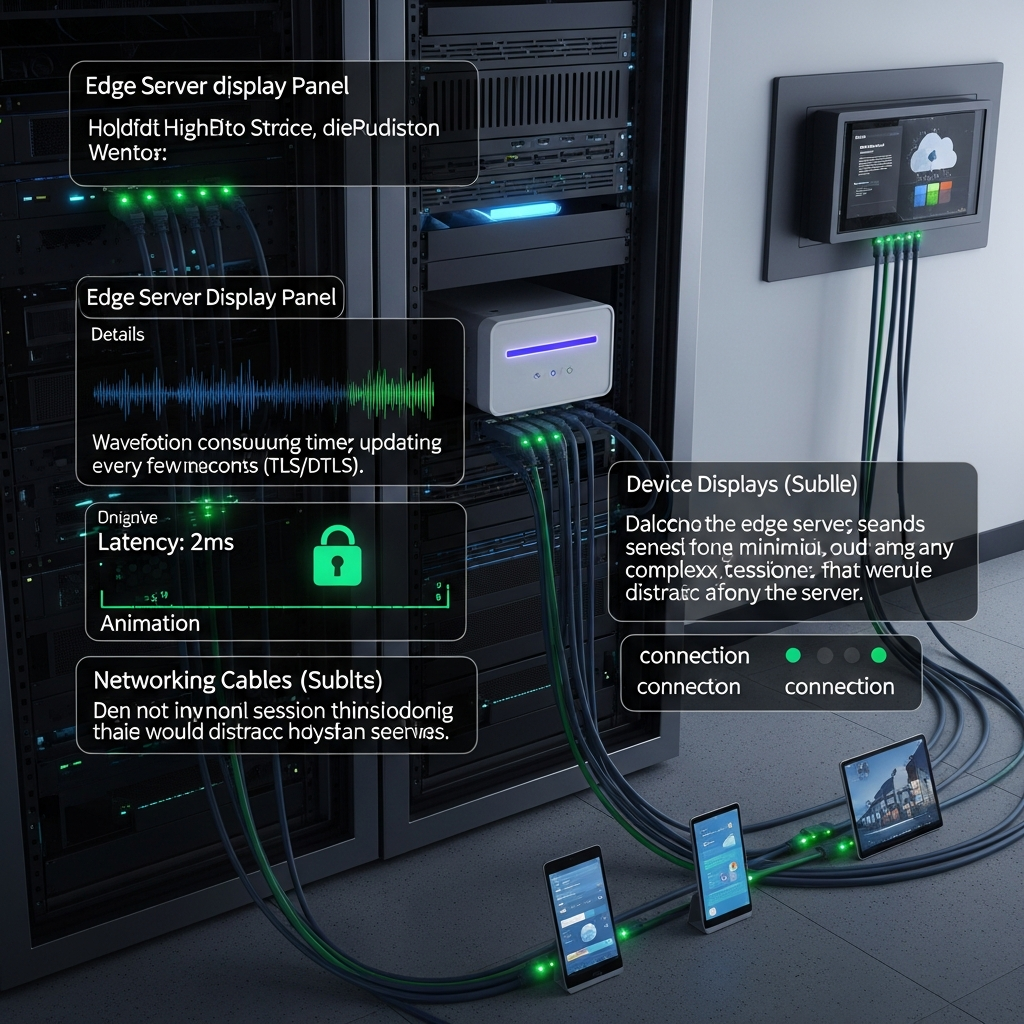
OpenAI just introduced Prism, a reference media server that makes it easier to build real‑time voice and multimodal apps on top of the Realtime API. It brokers low‑latency audio/video streams, simplifies client connections, and helps you stand up production‑ready agents faster.
If you’re building AI voice agents, live copilots, or collaborative UIs, Prism provides the plumbing so you can focus on product, not transport layers. See OpenAI’s announcement for details: Introducing Prism.
What Prism Does
- Bridges client media to the model: brokers WebRTC/WebSocket so browsers and mobile apps can talk to the Realtime API with minimal friction.
- Streams multimodal I/O: handles bi‑directional audio (and video where applicable) for responsive, natural turn‑taking.
- Simplifies session management: centralizes setup, connection lifecycles, and policy so teams don’t re‑implement the basics.
- Production‑minded: designed as a self‑hostable reference so you can deploy near users for lower latency and stronger control.
When to Use Prism
- Voice agents and assistants that need sub‑second latency.
- Multimodal experiences (e.g., talk + on‑screen actions) where streaming matters.
- Teams that want a consistent gateway for auth, observability, and policy across apps.
- Environments where direct client connections to the model endpoint aren’t ideal.
Quick Start Checklist
- Deploy Prism close to your users (edge/region) to minimize round‑trip time.
- Configure environment secrets for your OpenAI access and model defaults.
- Connect clients via WebRTC to Prism; Prism manages the session and relays streams to the Realtime API.
- Implement basic health checks, logging, and autoscaling to handle session spikes.
- Test latency end‑to‑end (capture → model → response) and tune audio settings early.
Architecture Snapshot
Client devices send audio/video to Prism over WebRTC. Prism maintains the session, relays streams and events to the OpenAI Realtime API, and returns streamed responses back to clients. You control auth, routing, and deployment topology.
Practical Tips
- Prioritize latency: choose regions close to users and keep media paths short.
- Use sensible audio defaults: mono, 16 kHz or 24 kHz, and echo cancellation for cleaner transcription.
- Fallbacks help: support WebSocket fallback if a client’s network blocks full WebRTC features.
- Secure by design: enforce per‑session tokens, rate limits, and origin checks at the Prism layer.
- Observe everything: trace session setup time, packet loss, and model response latency to spot bottlenecks.
Use Cases
- Voice concierge for ecommerce and customer support.
- On‑call co‑pilot that transcribes, reasons, and speaks back during live work.
- Live tutoring or coaching overlays that react to what users say and do.
- Collaborative meeting agents that listen, summarize, and take actions in real time.
Sources
- OpenAI: Introducing Prism
- OpenAI Docs: Realtime API Guide
Takeaway
Prism abstracts the hardest parts of real‑time media so you can ship voice and multimodal AI faster—with better latency, security, and control.
Get more nuggets
Enjoy this? Subscribe to our weekly newsletter for practical AI tips, tools, and breakdowns: theainuggets.com/newsletter.
